Your submission should be printed out and put in the drop box on the 4th floor of galbraith building, outside room 441.
     x=[1 1 1 1];
     plot(abs(fft(x)));
Explain this plot.
     y=[1 1 1 1 zeros(1,N-4)];
     plot(abs(fft(y)));
How does this plot relate to the plots in parts (a) and (b).
     y=[1 1 1 1 zeros(1,4)];
     plot(abs(fft(y)));
How does this plot relate to the plots in parts (a), (b), and (c).
a=imread("v145.jpg","jpeg");
image(a/4,1);
Note that there are 200 such matrices in this directory.
These are differently focused pictures of the same subject matter.
There are 200 values of camera focus, and matrix number 145,
just-so-happens to be one in which the C++ ("C plus plus") can
is in focus.
Note the size of the matrix, using the "size" command:
size(a)
ans =
  240  320
Note also that the first axis points down, and the second axis points to the right, because this is how matrices are indexed (e.g. the first index is the row, and the second index is the column). Thus we refer to the matrix as having a size "240 by 320".
There are some zeros around the outside of the matrix, which show up as black areas in the matrix display. This is because the sensor array in the camera does not extend all the way to the edges of the signal reception area. We wish to crop these away:
a=a(1:235,10:310);Now display "a" again, and note how the black areas are gone.
Now compute the Fourier transform of "a":
A=fft(a);Note that this command computes the Fourier transform of each COLUMN of "a".
Octave commands typically operate down columns of matrices. For example, if you do something silly like try to plot a matrix:
plot(a)you will see 301 plots, one for each column of "a".
Let's try something equally silly in the frequency domain:
plot(abs(A))
Now you could also try to display the resulting matrix:
image(abs(A),1)which saturates the range of the display, but even if you scale it:
imagesc(abs(A),1)the peak is so high you won't see too much other than the peak.
In electrical engineering we often use decibels (log units), so try:
imagesc(abs((log(A+1))),1);Note that the base of the logarithm (e.g. log is base e by default, but decibels are defined on 10log10) doesn't matter because we're scaling the result. Thus we see simply the fact that we're on a log scale, irrespective of the base of the logarithm. The log scale tends to make low values of the function quite visible.
Now if you wanted to see just one column, such as the center column, (original signal on a plot together with its Fourier transform magnitude), plotted out, you would try:
subplot(2,1,1); xlabel('TIME'); ylabel('amplitude')
plot(a(:,151))
subplot(2,1,2); xlabel('FREQUENCY'); % notice how ylabel persists from before
plot(abs(log(A(:,151)+1)))
Now insert some zeros at the point in the array where the fractional frequency is exactly one half. This happens at 118.5, because the first row (row 1) is zero frequency (recall we're using FORTRAN array indexing, e.g. starting at index 1), and thus there are 117 rows 2:118, and then another 117 rows 119:235. Thus if you put some zeros into the matrix A, e.g.:
z=zeros(100,301);
Az=[A(1:118,:); z; A(119:235,:)];
Now compute the inverse Fourier transform:
az=ifft(Az);Is it real? Should it be real? How real? Explain.
imagesc(real(az),1)
imagesc(imag(az),1)
In the above example, you have learned how "optimally" to resize an image, using what amounts to a harmonic ("ideal") interpolation.
Now explain how you would change the width of the image, as well as the height, independently. Hint: to get the transpose, At, of a matrix, A, use the ".'" operation, e.g.:
At=A.';
Try plotting a row across the matrix, selected near the center of the matrix, for some of the 200 matrices:
a=imread("v000.jpg","jpeg"); a120=a(120,:); plot(a120)
Since the above is a one-liner, you can do this very easily by just
using the up-arrow, or the previous command
function (CONTROL P) of the Octave shell to edit the
command line. Note that the Octave shell command line editing commands
are identical to EMACS commands, e.g. CONTROL A goes to beginning of line,
CONTROL F goes forward, CONTROL B goes backward, etc.
Comment on the smoothness of the function, in the neighbourhood of the C++ can, for some or all of the 200 matrices.
What can you say about the relationship between smoothness of the functions in the neighbourhood of the can, and how in-focus the can is?
Now try plotting the Fourier transforms of this same row of the matrix for each of various of the matrices:
a=imread("v000.jpg","jpeg"); plot(log(abs(fft(a(120,:)))+1))
a=imread("v100.jpg","jpeg"); plot(log(abs(fft(a(120,:)))+1))
a=imread("v145.jpg","jpeg"); plot(log(abs(fft(a(120,:)))+1))
What can you say about the relationship between how in-focus the camera is,
and the magnitude of the Fourier transform of this row of the matrix?
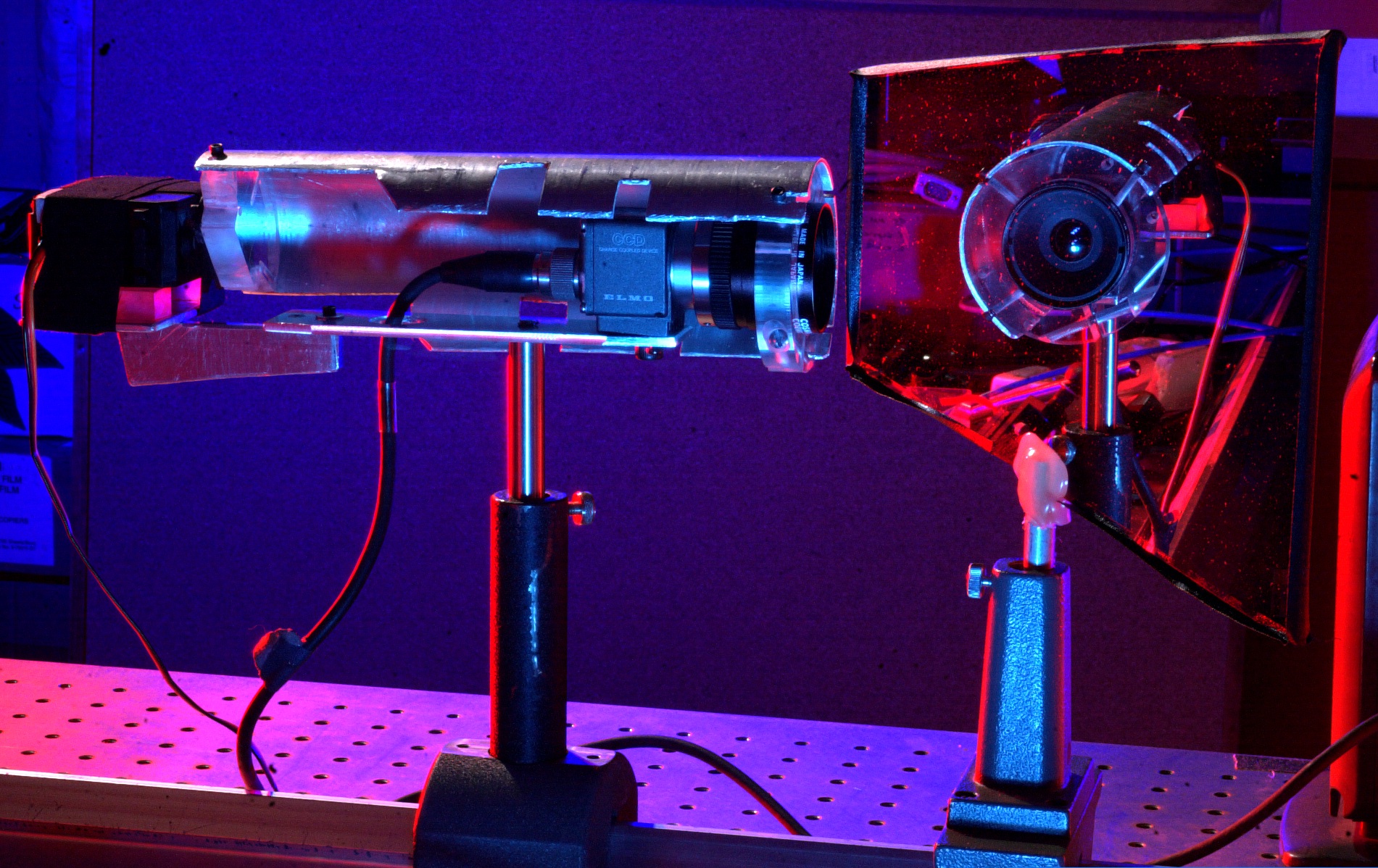
In order to allow people to do this lab at home, the sequence of test images is provided in this directory. The camera has 200 focus positions, and there is one image per focus position. The lower the number of the image, the closer an object has to be to the camera, to be in focus.
A camera simulator called "takepicture.m" is provided. Try
a=takepicture(100);This will return a picture for the focus set to 100. This camera simulator is very simple. To see how it works:
type takepictureand you can see that all it does is load the appropriately numbered picture.
For this part of the lab you must submit a commented octave ".m" file for each question and a description of how the script works as well as any plots and images. These scripts must be able to run when they are placed into the same directory as the sample images. To judge the algoroithms the TAs will run your script against the sample images as well as in an alternate scene.